HTML & JS: Quick Tips - part 1
· One min read

How to copy a text from a website which prevents copying from UI?
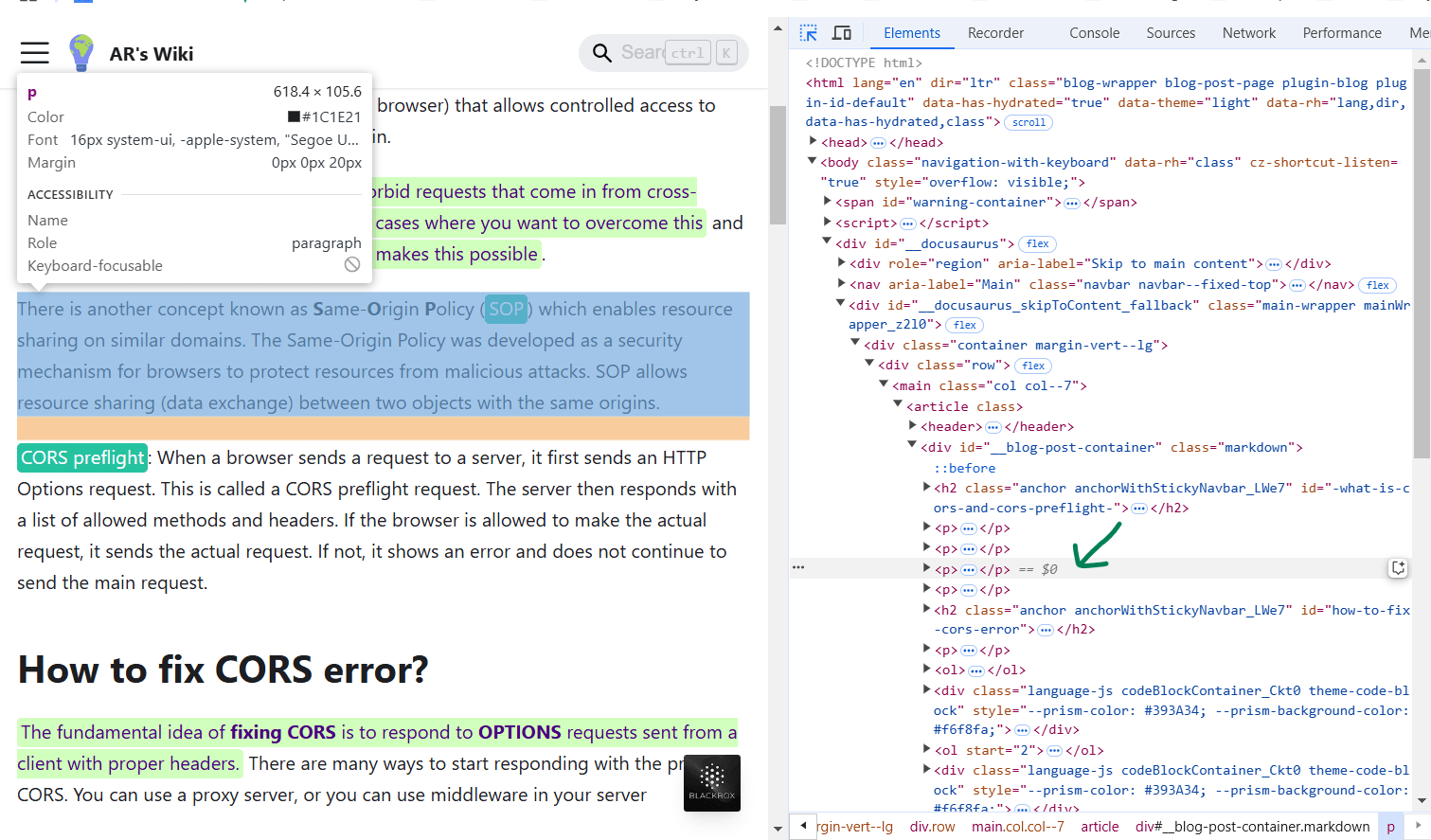
- Click on select option (Arrow with dotted arrow) in element tab on the console of the browser.
- click on the UI text using select arrow as shown in the below image
- Selected element will be stored under the variable
$0. You can see it in the below image.
- You can type the variable
$0in console tab. It'll display the selected html dom element in the console. - Sometimes, the selected dom element may contains html element for space or new line as shown below;
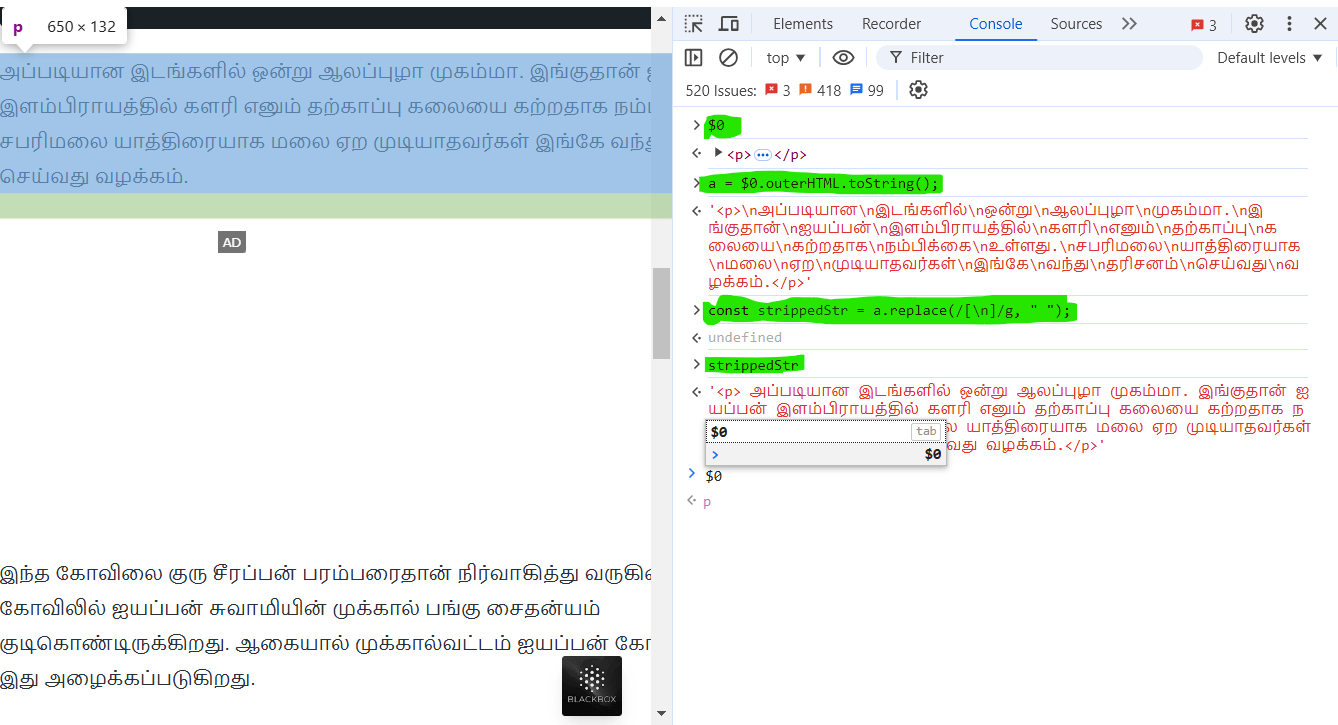
$0.outerHTMLwill convert html dom element into sanitized (string format) form. Soa = $0.outerHTML.toString()is usedconst strippedStr = a.replace(/[\n]/g, " ");will replace\nby one space character and store at a said variable.